

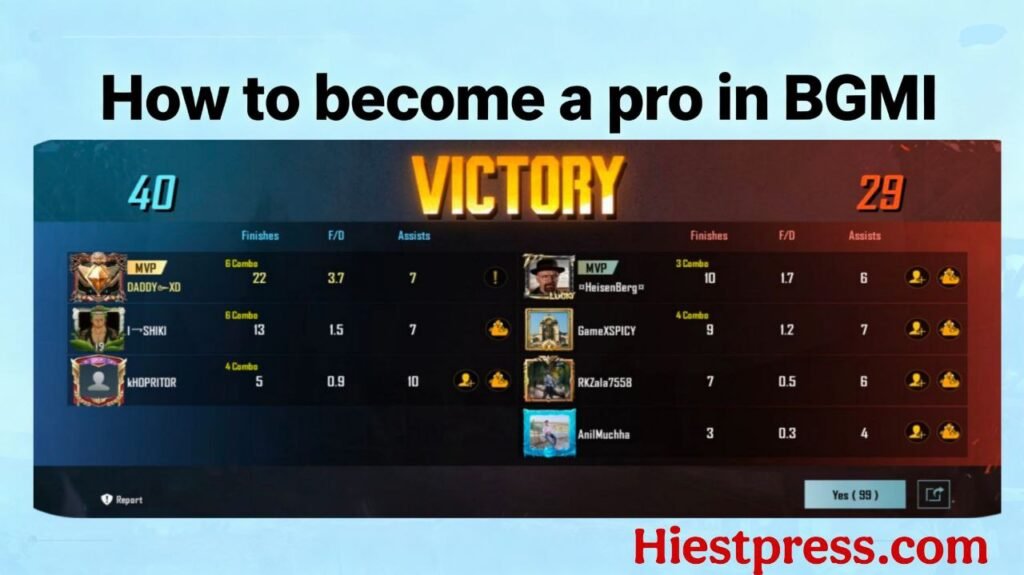
How to become a pro in BGMI
You all have been trying to understand ‘how to become a pro player of BGMI’ and win in every situation,
BGMI also knows as Battle Grounds Mobile India which is an Indian version of PUBG MOBILE, PUBG Got banned in India in late September of 2020 and after waiting for exactly 1 year and 6 months we got BGMI, We all got an option to transfer our old PUBG mobile account to BGMI, due to which ranks got reset and it’s got really hard to play and win the matches in BGMI.
Don’t worry I’ll teach you secret ways that will surely answer your Questions of How to become a pro in BGMI, so let’s roll and check out all the Tips.
Play with your friends instead of playing with Randoms,
We all have faced this issue sometimes that whenever we play with random players they don’t listen to our calls and do things according to themselves which may lead to early eliminations.
Playing with your friends makes your game easy and with proper cooperation of your teammates you can win any match. You deserve to be revived and recalled XD.
If you do not have any friends that play BGMI, it would be much better if you find players from all chat groups or from recruitments. Or you can find players from BGMI official Discord groups.
Join DiscordPlay in Better Internet Connection
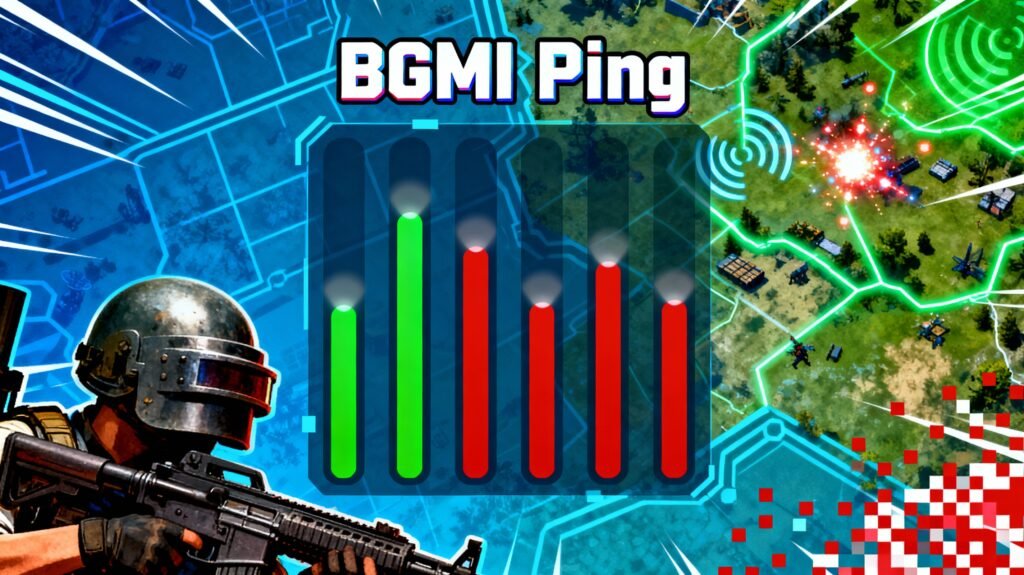
You all might not know but there is a word called ping in the game which is actually not a real word well basically players called this ping but it’s real definition is latency.
Lower the ping better the gameplay will be, if you play in lower ping you’ll feel that you can easily connect your bullets to the enemy.
Here is the complete breakdown for ping
- 20ms – this is the lowest that you can get in bgmi and it’s excellent for gameplay and you’ll feel that you’re able to connect your bullets way faster
- 50 – 100 ms – Now if you’re ping is between 50 to 100 ms that means you can still play the game you wouldn’t notice much of a difference from 20ms
- 100 + ms well if you’re getting 100+ ping that means your game you’ll feel delayed or sometimes lag in your game and also you’ll feel that you’re getting easily eliminated.
Always try to use a wifi for stable network connection or use DND this may help you little.
Use headphones for better footsteps prediction
It would have happened with you for sure that you got eliminated by your enemy as he knows your location and you have called him a cheater but there is slightly a chance that the other guy is wearing headphones and he might have predicted your location from your footsteps.
Once you’ll start playing with headphones you’ll notice you are able to predict your enemy easily from his footsteps or you can hear the smallest sound of a vehicle if someone drives nearby. It would take a lot of time to start but you can practice it in the training ground.
*Use wired headphones* for better performance as they don’t have any latency issues while on the other hand if you’re using wireless headphones or buy a gaming headphones with low latency.
Always play in better graphics
As you know that bgmi has a lot of graphics options so you might get confused which to apply while playing. Don’t worry I’ll help you with this
Always choose the smoothest graphics and the highest refresh rate like if you have a smartphone that supports more than 60hz then you might get an option of extreme plus or extreme ultra in your game. Always choose highest refresh rate that will make your game smoother and also you’ll see a big difference in your game play you’ll see you’re able to eliminate enemy easily
Turn off Power savings mode
If you’re one of the guys who play BGMI in battery saver of Power savings mode then you’re doing a very big mistake as it limited the power of your smartphone and you won’t get true performance of your smartphone and also you feel lag in game
If your power saving is off in your smartphone then don’t forget to turn it off in your BGMI game. Yes you heard it right there is also a Power Savings more in your game turn it off so you can easily play without any lag and all
Here’s the quick steps how to turn off Power savings mode in BGMI
Go to bgmi > open graphics settings > click on customize and after that click turn off Power savings graphics.
CONCLUSION
These all are the 5 most important tips that will help you and make you a pro player in BGMI. Well there are some others tips and tricks but i have only mentioned the most important tips and if you mastered everything I’m sure no one can stop you from becoming MVP of every game.
We’ll obviously you’ll also need luck on your side because bgmi is not a game just of skills you’ll also need pure luck, I can’t tell you on your luck but I’m sure I can tell you how to improve your skills,
I hope this post help you and you’re able to become a pro player, you can share this post with your squadmates so they can also become a pro player and you all can get chicken dinner with high eleminations
If you have any problem you can reach out to me
Contact me —-> Click here to contact me